Poster-making project
An accessible route from drawing to visual communication.
Learn to organise information so another person can understand it quickly and correctly.
Even digital subjects begin with observation, organising ideas and making choices. This project can be taught at home or in a classroom before using an app.
Project: Design a library poster with one clear message
Materials: Paper, ruler, marker pens
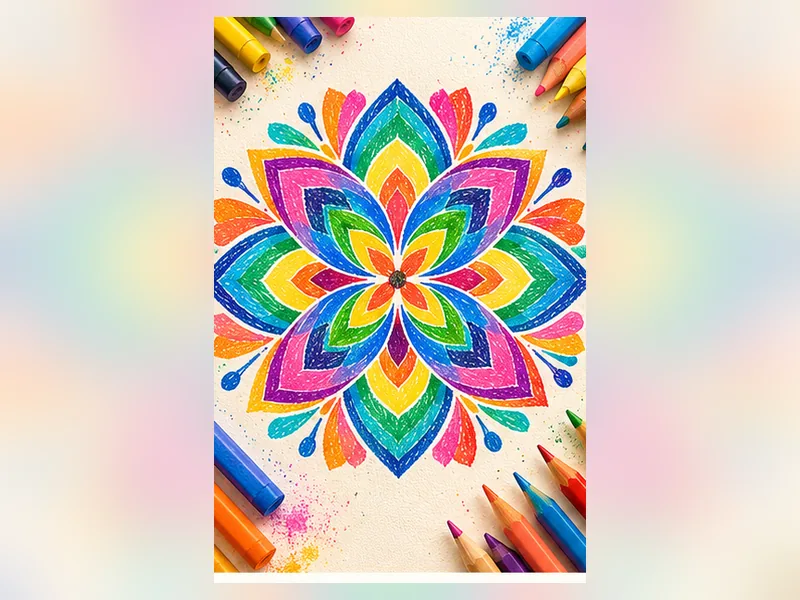 Graphic DesignOriginal creative inspiration • Start on paper
Choose one audience: younger readers, families or teachers.
Write a five-word main message and two supporting facts.
Make two rough layouts with different heading sizes.
Ask someone where their eyes went first and what they understood.
Improve spacing, contrast and reading order.
Audience awareness, clarity, decision-making.
Language, information literacy, science posters. These are lesson connections, not a promise of higher marks.
Doctors and scientists use readable information design; product engineers rely on interfaces; organisations need visual communication.
The same mindset—observe, design, test and explain—can be helpful across interests, whether a learner later chooses engineering, medicine, design, business or IT.
Demonstrate one small part, let the child name or arrange pieces; no software.
Let them create a simple first draft and explain one improvement.
Invite two alternatives and test which communicates better.
Add a real audience, constraints and a short design reflection.
For more examples, visit age-group activities.
Begin with our illustrated project reference and straightforward written steps before moving to more complicated work.
Open free activity →Children can practise observing, explaining choices, testing ideas and improving work through creative activities. Results depend on teaching, practice and individual needs. Evidence for automatic improvement in all school subjects or future employment is limited; these activities do not guarantee higher IQ, examination marks or any particular profession.
Arts Film Academy publishes drawing, digital art, animation, coding and related creative learning options. Ask for an age-appropriate hobby pathway, teaching approach, sample projects and current availability. A hobby can stay a hobby—career decisions can come much later.
Adult enquiry only. Timings, exact subject availability for children, faculty credentials and fees must be confirmed with Arts Film Academy. No guaranteed academic or career result.
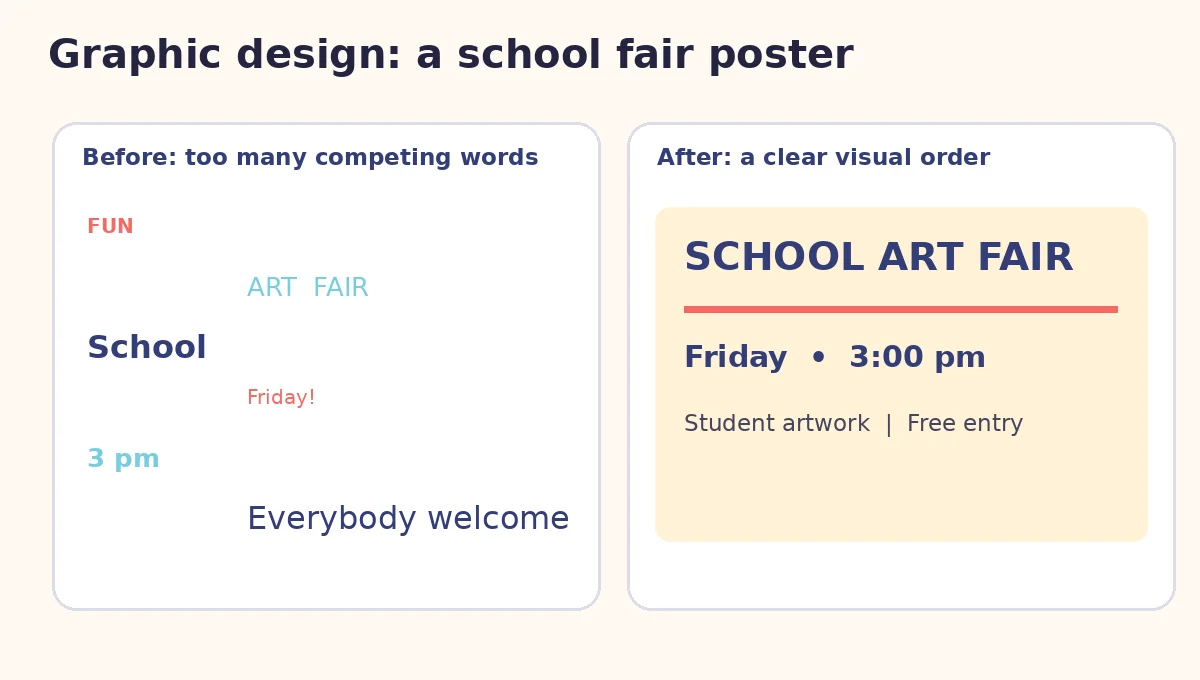
Learning value: visual hierarchy, contrast, editing and feedback. This is a sample design exercise, not evidence of a currently available children’s graphic-design batch.
Choose a specific project or question. Every resource can be used without enrolling in a class.
An accessible route from drawing to visual communication.
Explore how drawing, layouts and layered thinking develop into creative projects. Compare suitable options, check actual class availability and decide whether a guided class is right for your family. AtFunky activities remain free.
Owner-approved provider option: Arts Film Academy profile →. Current programme and age eligibility need direct confirmation.